






Hybrid mobile apps are a smart way to build apps by mixing web and native technologies. They run inside a native container but use just one set of code that works on all kinds of systems, like iOS and Android. People like this because it streamlines the time and cost of making an app while still letting the app work on many different devices.
Why Choose Hybrid Apps?
- Saves money: You only need one codebase, not a different one for iOS and Android.
- Faster to make: You can use web skills and tools you already know.
- Reaches more people: One set of code lets your app run on tons of platforms.
- Easier to keep up: When you need to fix something or add something new, you do it once, and it works everywhere.
Top 12 Hybrid Mobile App Frameworks
The world of mobile apps keeps changing, and there are some good frameworks for making hybrid apps that work on different platforms. These are the best because they work well, lots of developers like them, and they’re used in real apps. Each framework has special features that help developers build strong apps that are easy and fun to use on any device.
1. React Native
React Native is a big deal when it comes to making hybrid apps. It’s supported by Facebook and tons of developers who use it. It changed how people build mobile apps by letting them use JavaScript and React to make apps that feel native.
Unlike older hybrid frameworks, React Native doesn’t just show WebViews but renders real native UI components, so it matches apps built with Swift or Kotlin. This hot reloading feature and extensive ecosystem make it a top pick for companies seeking high-performing cross-platform applications.
Note: Jscrambler has strong security features to keep React Native apps safe from tampering and reverse engineering. For more information, check out our guide on using Jscrambler with React Native.
Key Features:
- Native UI components
- Extensive third-party plugin support
- Large developer community
- Hot reloading for rapid development
- Strong performance optimization tools
| Pros | Cons |
| Near-native performance | Steep learning curve for beginners |
| Large, active community | Complex native module integration |
| Excellent developer experience | Occasional version compatibility issues |
| Reusable components |
Use Cases: Facebook, Instagram, Discord, Tesla
2. Flutter
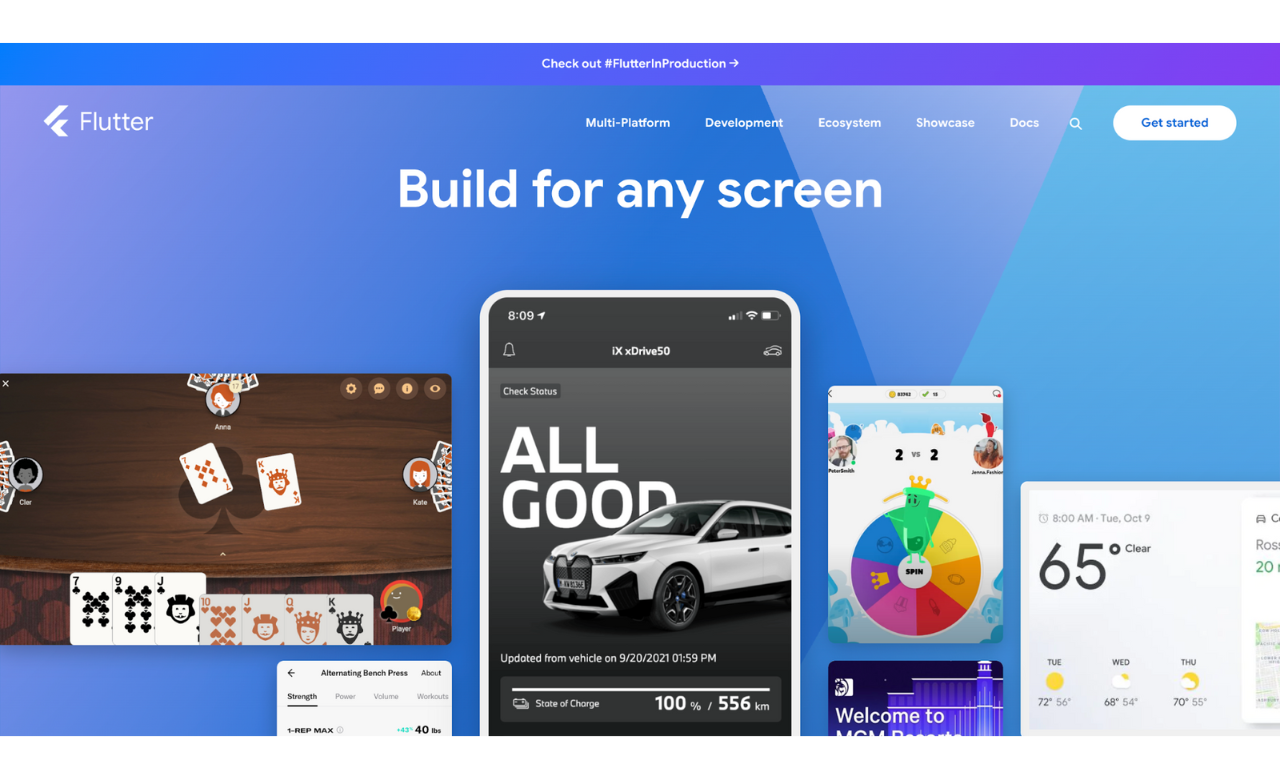
Google’s Flutter has reformed hybrid app development by using the Dart language. Unlike other frameworks, it doesn’t use the usual platform-specific UI components or web views. Instead, it uses a rendering engine to draw every single pixel on the screen, making sure everything looks the same on all devices.
This setup, with a big collection of widgets and a fast hot reload feature, lets developers build good-looking apps. They get total control over how the app looks and works, which makes it stand out.
Key Features:
- Single codebase for mobile, web, and desktop
- Custom widgets for pixel-perfect designs
- Hot reload functionality
- Advanced animation support
- Native performance
| Pros | Cons |
| Excellent performance | Dart learning curve |
| Beautiful, customizable UI | Larger app size |
| Single codebase for all platforms | Relatively newer ecosystem |
| Strong Google support |
Use Cases: Google Ads, Alibaba, BMW, Toyota
3. Ionic
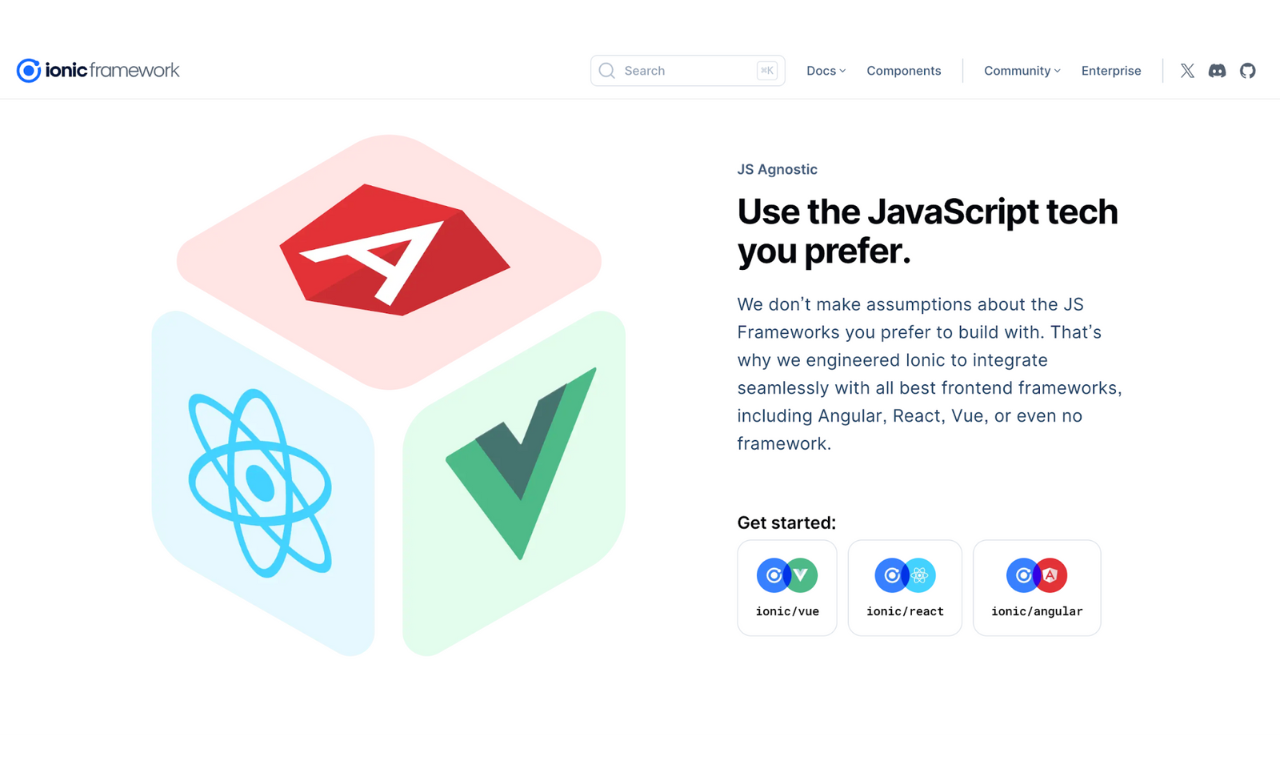
Ionic combines Angular and Apache Cordova to make flexible hybrid apps. It uses regular programming languages like HTML, CSS, and JavaScript and has a special trick with Web Components. That means developers can make UI pieces that work anywhere and can be reused.
Ionic is great at keeping apps looking the same on different platforms, but it also lets you tweak how they look for each one. Its integration with Capacitor has made it even better at handling native features.
Note: If you’re building with Ionic, Jscrambler can help protect your WebView apps. Check out our guide on how to protect your Ionic code with Jscrambler.
Key Features:
- Extensive UI component library
- PWA support out of the box
- Strong integration with Angular
- Active community support
- Capacitor for native functionality
| Pros | Cons |
| Familiar web technologies | Performance limitations for complex apps |
| Rapid prototyping | Heavy reliance on web views |
| Extensive documentation | Limited native functionality |
| Active community |
Use Cases: T-Mobile, Target, IBM, Untappd
4. Xamarin
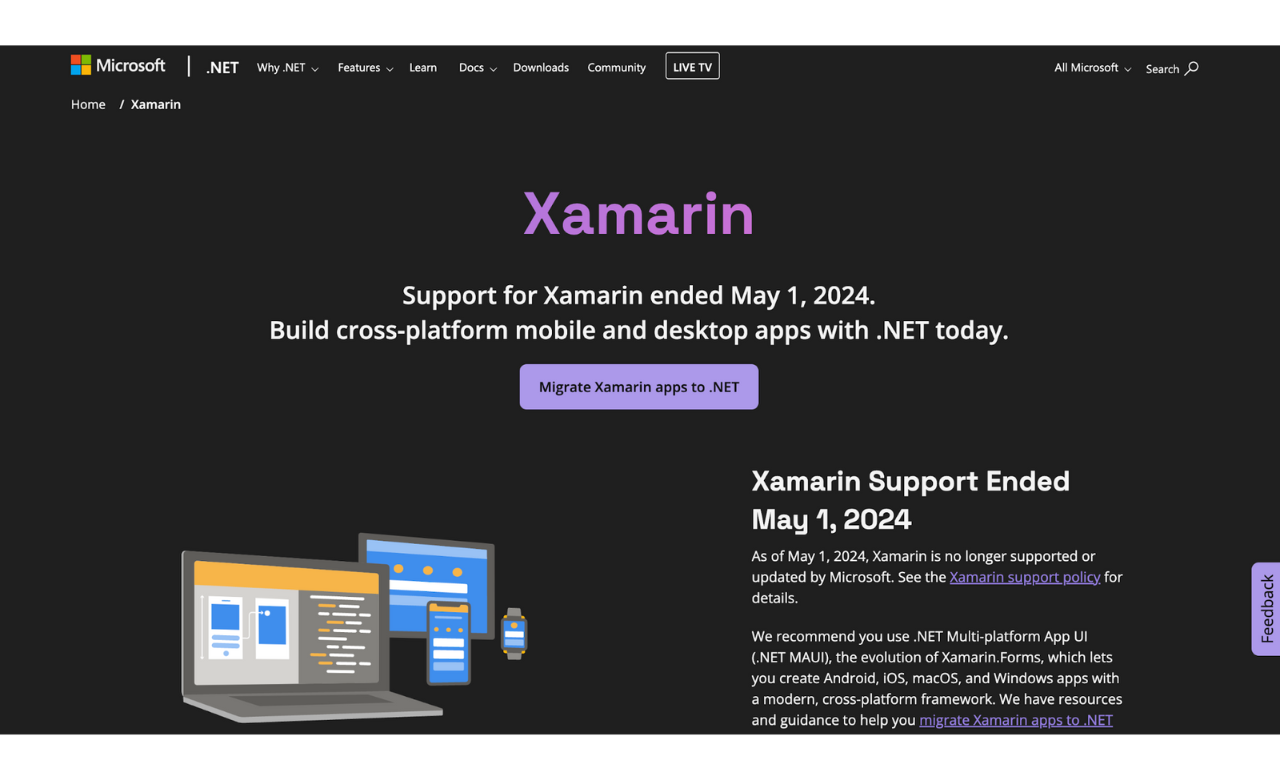
Microsoft’s Xamarin product uses a hybrid development framework that integrates C# with the .NET framework. Xamarin lets developers share 90% of their codebase across multiple platforms while maintaining native execution speed.
Xamarin compiles project code directly to native language codebases for every platform to provide maximum performance and complete access to native APIs. With Visual Studio integration, Xamarin offers developers an empowering development environment and debugging tools, making it well-suited for enterprise application development.
Note: Microsoft has officially discontinued Xamarin development in favor of .NET MAUI. Developers should move to .NET MAUI to receive ongoing support and access new features.
Key Features:
- Native UI components
- Shared C# codebase
- Direct access to native APIs
- Visual Studio integration
- Enterprise-grade security features
| Pros | Cons |
| Native performance | High learning curve for C# |
| Shared codebase across platforms | Larger app size |
| Strong enterprise support | Licensing costs for some features |
| Access to native APIs | Limited free components |
| Excellent development tools |
Use Cases: Microsoft apps, UPS, Fox Sports, BBC Good Food
5. Apache Cordova
Apache Cordova (PhoneGap) represents the foundation for many hybrid mobile applications by providing a crucial bridge between web technologies and native device capabilities. It wraps HTML/CSS/JavaScript applications in a native container that can access device functions across platforms.
Apache Cordova and PhoneGap were once closely linked, with Cordova serving as the open-source foundation and PhoneGap being a commercial distribution maintained by Adobe. Adobe’s discontinuation of PhoneGap has positioned Cordova as the remaining open-source choice.
This framework lets developers with regular web skills develop apps and still access native features through plugins. It’s a solid pick for web folks stepping into mobile app building.
Note: Apache Cordova is still available but has seen a decrease in download volume
. While it is not officially discontinued, developers are encouraged to consider alternatives like React Native, Capacitor, or Flutter for modern hybrid app development.
Key Features:
- Extensive plugin ecosystem
- Web technology based
- Cross-platform compatibility
- Native device feature access
- Strong community support
| Pros | Cons |
| Large plugin ecosystem | Performance limitations |
| Easy for web developers | UI might not feel native |
| Strong community support | Limited access to native features |
| Flexible architecture | WebView dependencies |
| Good documentation |
Use Cases: Duolingo, Coinbase, Headspace, Mint
6. NativeScript
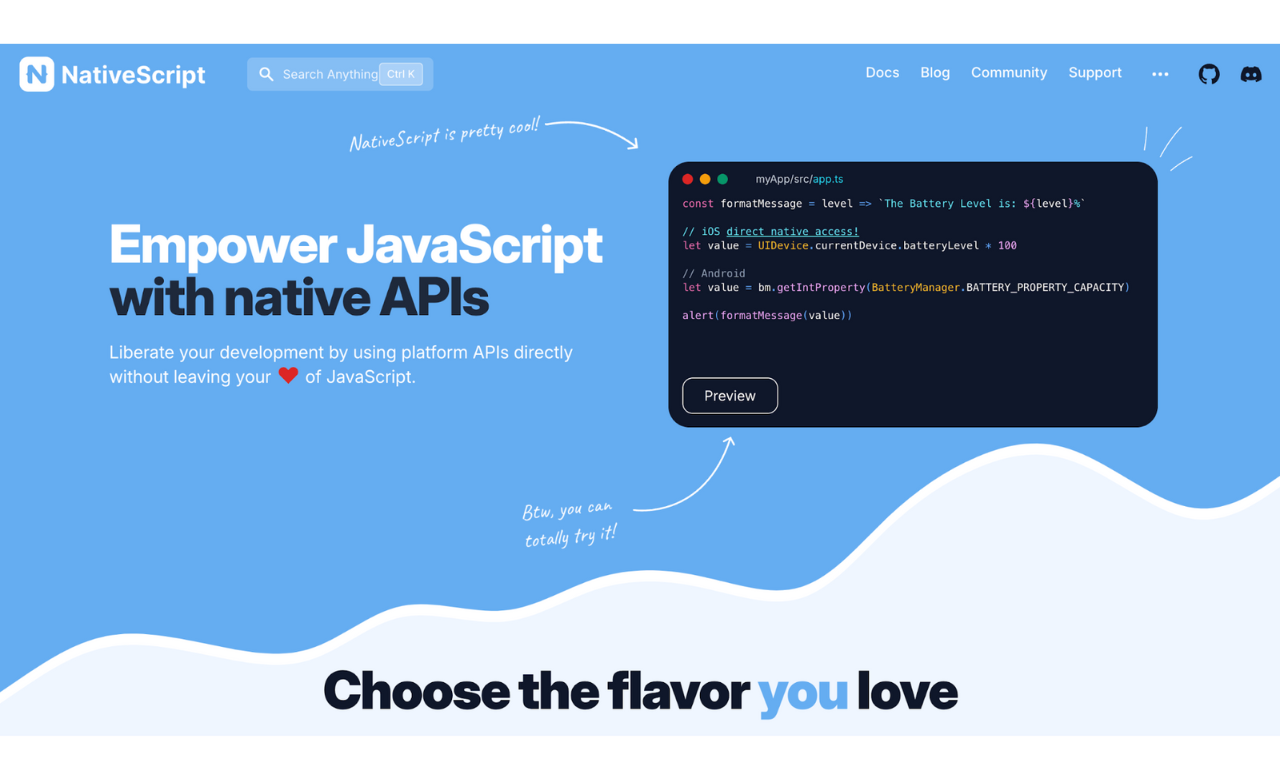
NativeScript does things differently for hybrid apps by letting you use JavaScript or TypeScript to call native APIs directly. Unlike other hybrid frameworks that require bridge technologies, NativeScript lets developers call native APIs directly from JavaScript, making apps feel native.
Its compatibility with Angular and Vue.js makes it compelling for developers skilled in these technologies. Because it connects directly to platform APIs, you maximize performance and functionality while keeping the convenience of JavaScript development.
Note: NativeScript applications can be secured with Jscrambler’s specialized protection features. Follow our implementation guide on how to protect NativeScript source code with Jscrambler.
Key Features:
- Direct native API access
- No WebView dependency
- Angular and Vue.js support
- Rich plugin ecosystem
- Native UI without bridges
| Pros | Cons |
| True native performance | Smaller community than others |
| Direct platform API access | Steeper learning curve |
| No platform-specific plugins needed | Limited UI components |
| Rich ecosystem integration | Documentation gaps |
Use Cases: Aura CO2, Starbucks, SAP, Daily Nanny
7. Sencha Ext JS
Sencha Ext JS is a strong JavaScript tool for building big, data-heavy web and mobile apps that work on all kinds of devices. It comes with one of the biggest sets of ready-to-use, high-speed UI components in one place.
It includes smart tools for data analysis, advanced charts, and solid grid components built in. Its design helps developers build apps that handle large amounts of data without slowing down or running into issues as they grow.
Key Features:
- Rich UI component library
- Advanced data management
- Responsive layouts
- Enterprise-grade tooling
- Customizable themes
- Built-in charting capabilities
| Pros | Cons |
| Extensive UI components | Steep learning curve |
| Powerful data grid features | Higher licensing costs |
| Enterprise-level support | Complex configuration |
| Strong security features | Heavy framework size |
| Advanced data analytics | Resource-intensive |
| Robust architecture | Requires experienced developers |
Use Cases: Xero, Ticketmaster, Virtimo
8. Framework7
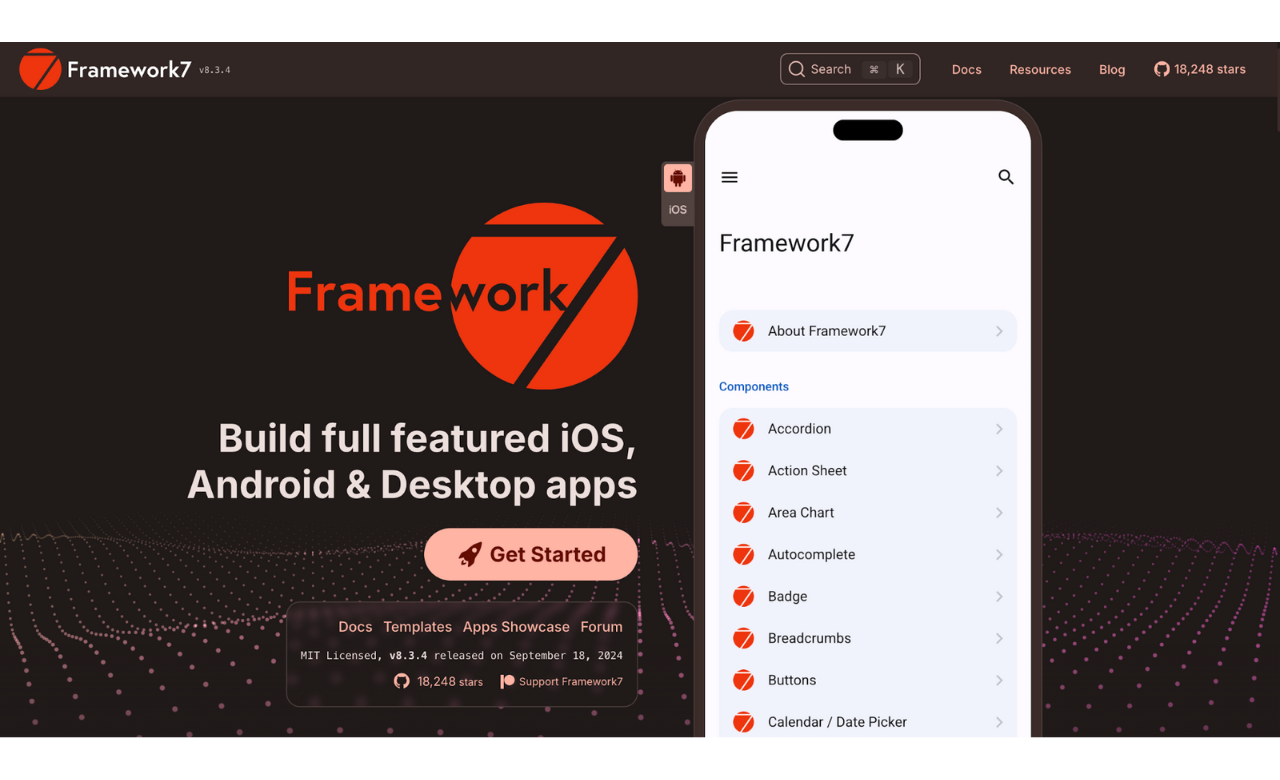
Framework7 is great at making iOS and Android apps with a native look and feel, especially for building progressive web apps (PWAs). It comes with a full set of UI components that look just right for both iOS and Android.
Other frameworks aside, Framework7 aims at a web-first approach, which makes it good at creating PWAs that can later turn into hybrid mobile apps. It’s light, doesn’t weigh performance down, and pays close attention to the little design details that make apps feel real for each platform, perfect for developers who want applications that convey authenticity.
Key Features:
- Platform-specific UI components
- PWA support
- Material Design implementation
- iOS design guidelines support
- Minimal configuration required
| Pros | Cons |
| Fast performance | Limited plugin ecosystem |
| Easy to learn | Smaller community |
| Great UI components | Platform-specific limitations |
| PWA capabilities | Less enterprise support |
Use Cases: PricePoint, Budget ME, Birdou, Solver
9. Quasar
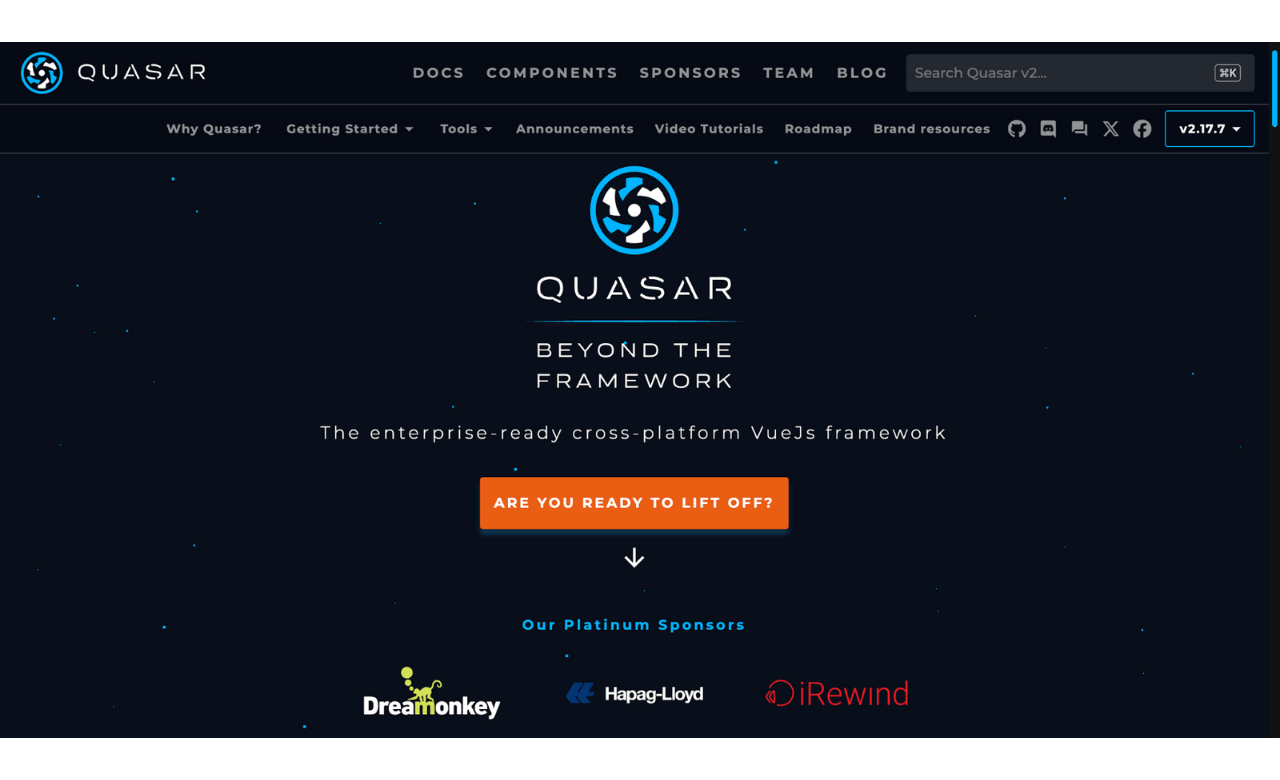
Quasar Framework is special because it uses Vue.js to build hybrid apps. It gives you a unique set of Vue.js components that work the same way on all kinds of platforms.
What makes Quasar different is its ‘write once, run everywhere’ idea—you make one set of code, and it works for web, mobile, and desktop. It’s got ready-to-go support for Material Design and iOS looks, so your apps feel right at home on any device.
Key Features:
- Vue.js integration
- Material Design support
- Comprehensive UI library
- Build optimization tools
- Extensive documentation
| Pros | Cons |
| Rapid development | Vue.js knowledge required |
| Modern architecture | Smaller Ecosystem |
| Strong performance | Limited native features |
| Comprehensive tooling | Less mature than others |
Use Cases: MyClinic, CryptoPrice, SoFoot, Quran App
10. Onsen UI
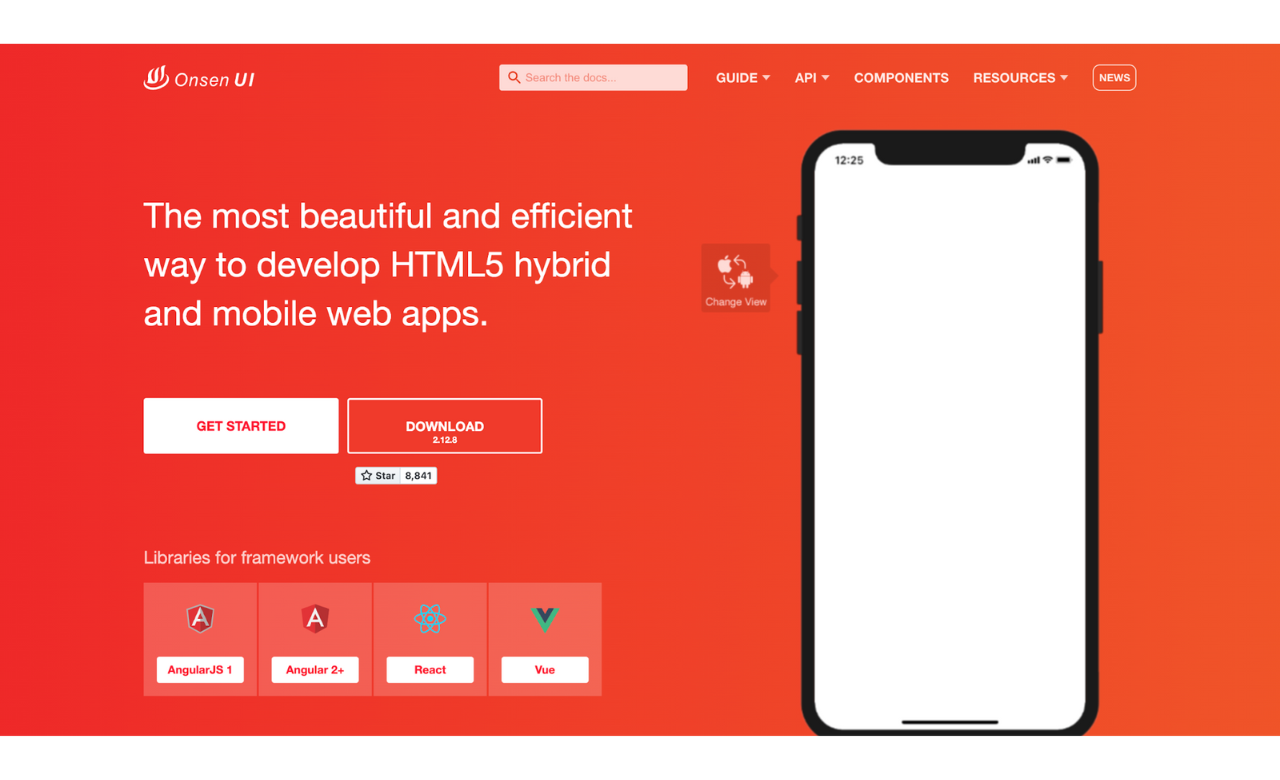
Onsen UI gives you a bunch of UI components made just for mobile apps, built to work fast and be easy to use. Unlike tools tied to one framework, Onsen UI works with lots of them—like Angular, React, and Vue.js.
It automatically handles the right look for your platform (e.g., iOS or Android), so your app fits each platform without extra setup. It’s light and focuses on speed, which makes it a good pick for making quick, smooth mobile apps.
Key Features:
- Framework agnostic
- Auto-styling based on platform
- Extensive UI components
- Performance optimization
- Automatic platform detection
| Pros | Cons |
| Easy learning curve | Limited customization |
| Good performance | Smaller community |
| Automatic styling | Basic features only |
| Framework flexibility | Less documentation |
Use Cases: ScanIt, LizAqua, Starnick
11. Titanium SDK
Titanium SDK (formerly Appcelerator Titanium) is a powerful tool for creating apps that work on different platforms and run like native ones. It stands out because it comes with a full setup for building apps, including visual tools for designing them.
Unlike frameworks that are purely code-based, Titanium has features like visual design tools and live app analytics. It compiles JavaScript code into native apps so they run fast while maintaining the convenience of JavaScript development.
Key Features:
- Enterprise-grade development tools
- Visual development environment
- Native API access
- Strong performance
- Extensive module marketplace
| Pros | Cons |
| Enterprise support | Expensive licensing |
| Visual development | Platform lock-in |
| Good performance | Complex setup |
| Strong security | Steep learning curve |
Use Cases: Spike, FitPlus, WarFrame Companion
12. Capacitor
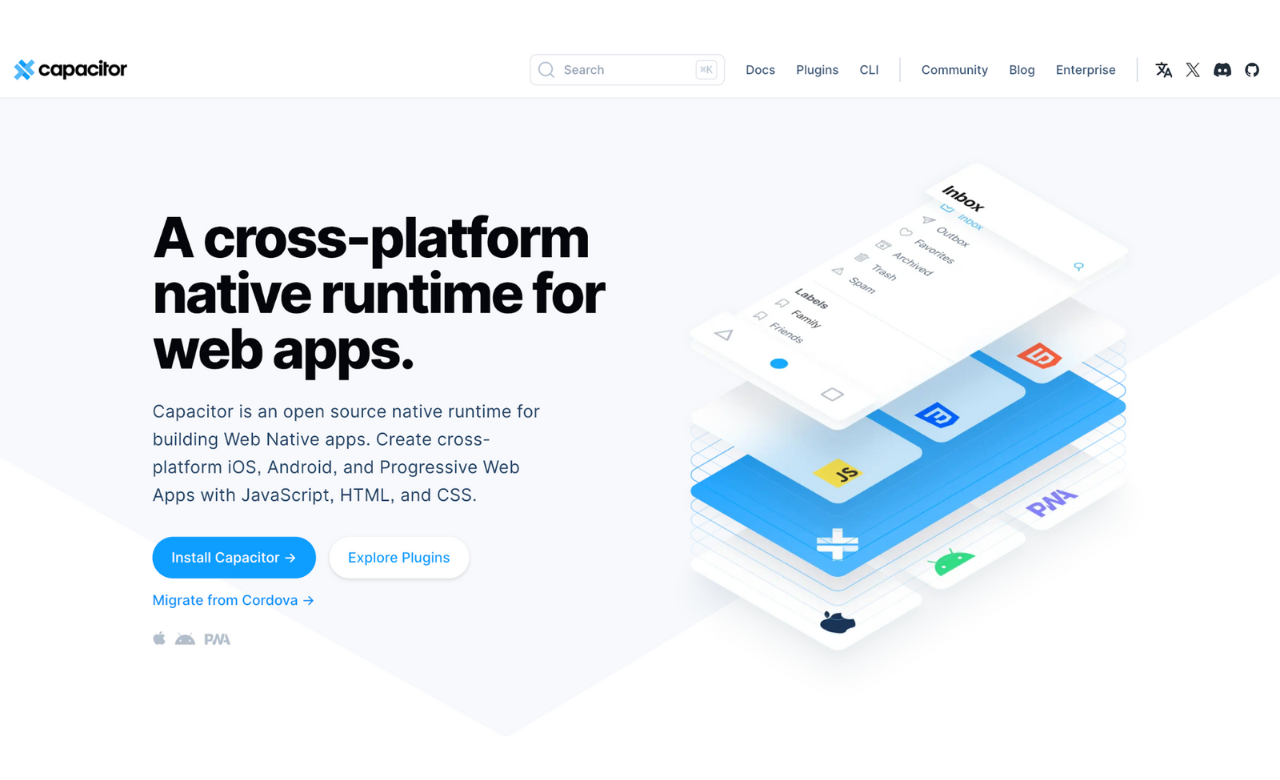
Capacitor is Ionic’s updated way to develop hybrid apps, like a newer version of Apache Cordova. It provides a more modern, web-first approach to building hybrid applications. Unlike older hybrid frameworks, Capacitor was made from scratch to work with Progressive Web Apps and the latest web APIs.
It offers an API to access native features across platforms while preserving backward compatibility with Cordova plugins, making it a strong choice for modern web developers building cross-platform apps.
Key Features:
- Modern native runtime
- Web-first development approach
- Cross-platform compatibility
- Native API access
- Progressive Web App support
| Pros | Cons |
| Modern architecture | Newer platform |
| Web-first approach | Growing Ecosystem |
| Easy migration | Limited plugins |
| Active development | Some stability issues |
Use Cases: Burger King, Sworkit, Popeyes
Bonus: Additional Notable Frameworks
While not in our top 12, these frameworks deserve mention:
- Kendo UI: Excellent for enterprise applications with comprehensive UI components
- jQuery Mobile: Still relevant for simple mobile websites
- Vue Native: Growing popularity among Vue.js developers
- Svelte Native: Emerging framework with promising performance
Comparison Table
The table below highlights key aspects such as frameworks, supported languages, and ideal use cases.
| Framework | Language | Use Cases |
| React Native | JavaScript | Facebook, Instagram |
| Ionic | HTML, CSS, JS | MarketWatch, Sworkit |
| Flutter | Dart | Google Ads, Alibaba |
| Xamarin | C# | UPS, Fox Sports |
| Apache Cordova | HTML, CSS, JS | Adobe Air |
| NativeScript | JS, TS, Angular | Enterprise apps |
| Framework7 | HTML, CSS, JS | Small projects |
| Quasar | Vue.js | Internal tools |
| Onsen UI | HTML, CSS, JS | Utility apps |
| Appcelerator | JavaScript | Enterprise apps |
| Capacitor | JavaScript | Business apps |
| Sencha Ext JS | JavaScript | Enterprise apps |
How to Choose the Right Framework
Picking the right framework for your project is a big deal—it affects how fast you can build, how well it grows, and how easy it is to keep up later. When choosing a framework, consider your project needs, how fast it has to run, whether it has a strong community, and how secure it is.
For instance, if you want a mobile app that runs well, React Native or Flutter might be your best bet. But if you’re into hybrid apps using web stuff, Ionic could be the way to go. Furthermore, examine the framework’s added benefits, including its tools, plugins, and compatibility with external services. By considering these factors, you can choose a framework that fits your goals and keeps your app running smoothly for users.
Protect Your Hybrid Mobile Applications With Jscrambler
Hybrid mobile apps combine web technology with native features, making them vulnerable to code tampering, reverse engineering, and data leaks.
Jscrambler offers a strong security layer by obfuscating and hardening your source code, making it much harder for attackers to find weak spots.
By integrating Jscrambler into your development workflow, you can protect sensitive logic, prevent unauthorized modifications, and ensure compliance with security best practices. Whether your app is built with Ionic, React Native, or another hybrid framework, Jscrambler’s advanced protection techniques help maintain your application’s integrity and confidentiality.
Conclusion
The world of hybrid mobile app development keeps changing, and every framework brings something different. Choosing one depends on your project’s needs, your team’s expertise, and how fast it needs to run. React Native and Flutter are the big names with lots of fans and help, but other frameworks have special features that might better fit certain projects.